Player only. We don’t sell, provide, host or store channels, movies or lists: everything comes from your own IPTV list, which must be yours or authorized for your use.
Family and safety
Advanced parental controls
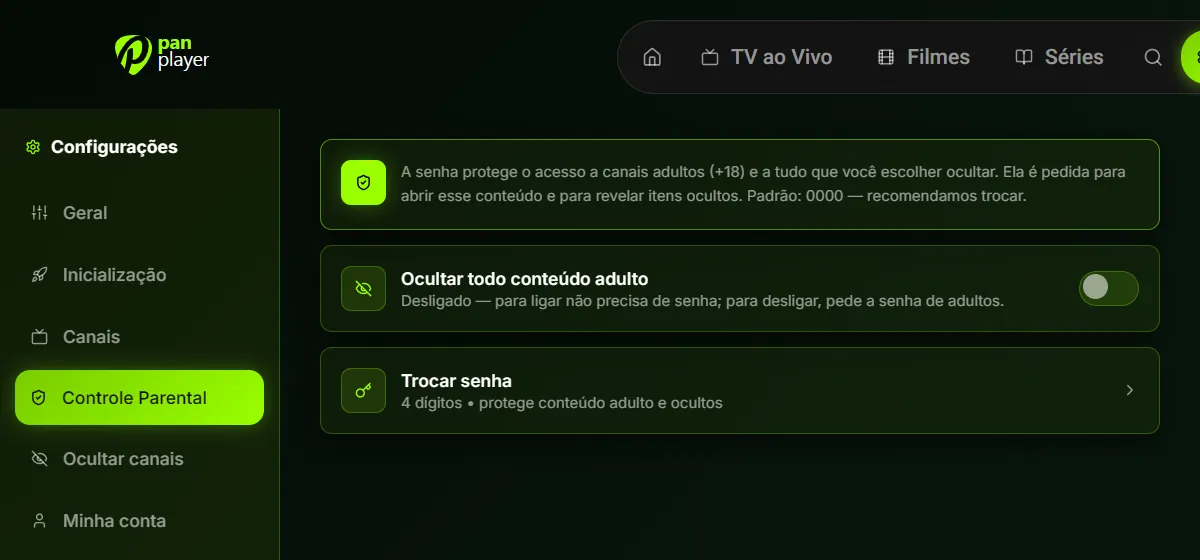
A 4-digit password protects adult (+18) content and anything you choose to hide. It’s asked to open that content and to reveal what’s hidden.
“Hide all adult content” switch: turning it on needs no password, turning it off does
Change the default password (0000) on first use
Each profile can have its own PIN
Kids profile
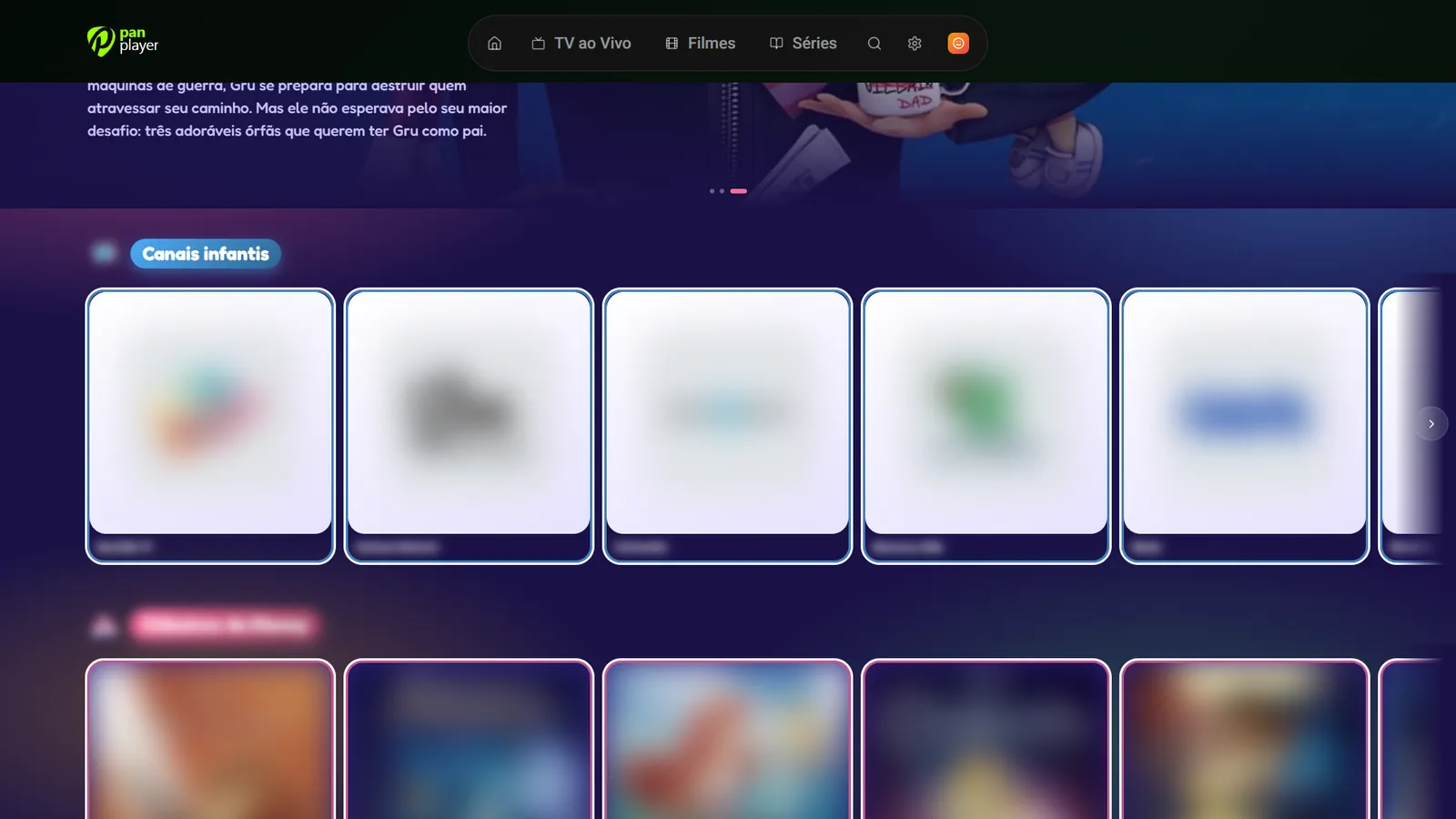
A fixed profile that opens straight into an area made for children, with a colorful look and its own rows, like kids channels and classic animations from your list.
Kids-only channels, movies and series, tailored for children
Opens straight into the kids area: children never go through the full catalog
Hide categories and channels
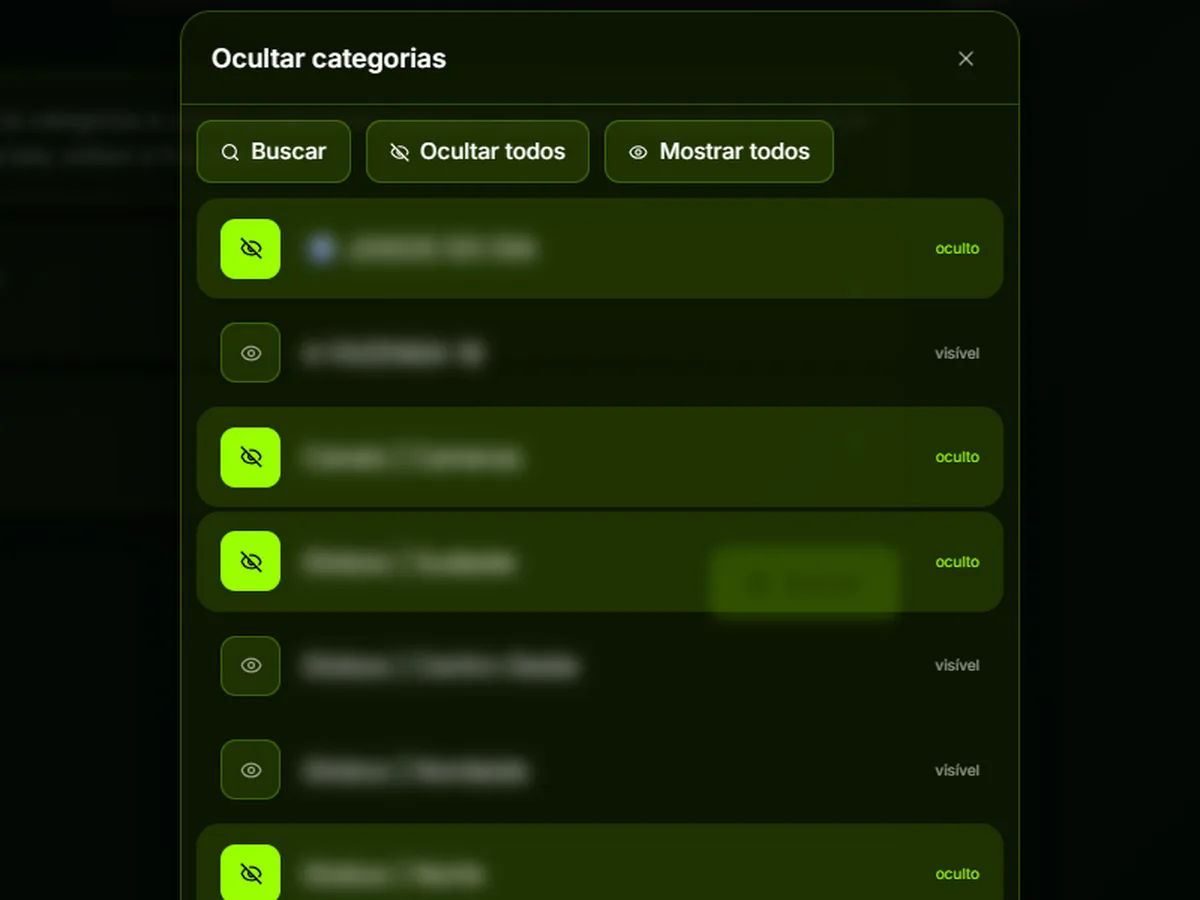
Choose what disappears from the screen: whole categories or single channels. Search, “hide all” and “show all” make big lists quick to sort.
To reveal: hold 0 for 3 seconds on the channel screen and type the password
Leave the screen and hidden items hide again
Speed, every day
Fast startup
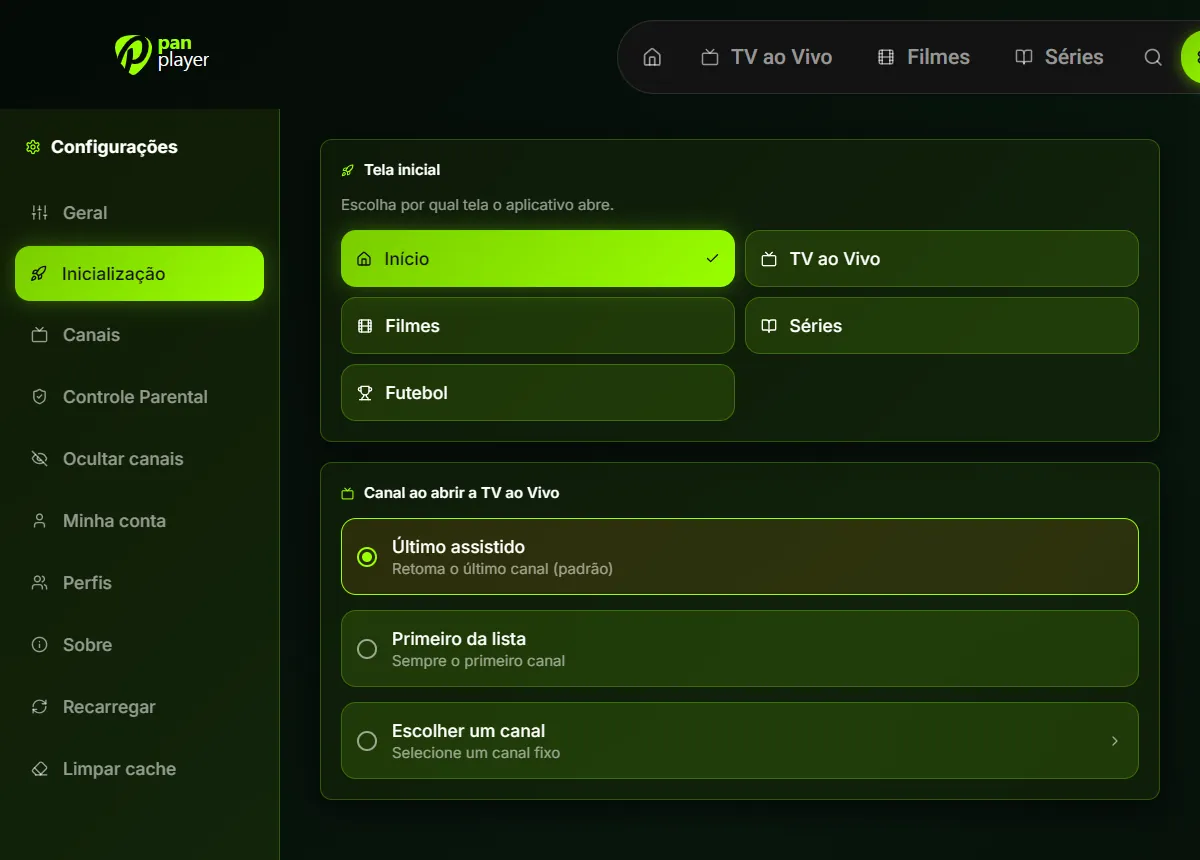
Pick the screen the app opens on and which channel Live TV starts playing as soon as you get in.
Start screen: Home, Live TV, Movies, Series or Football
Channel: last watched, first on the list or a fixed one
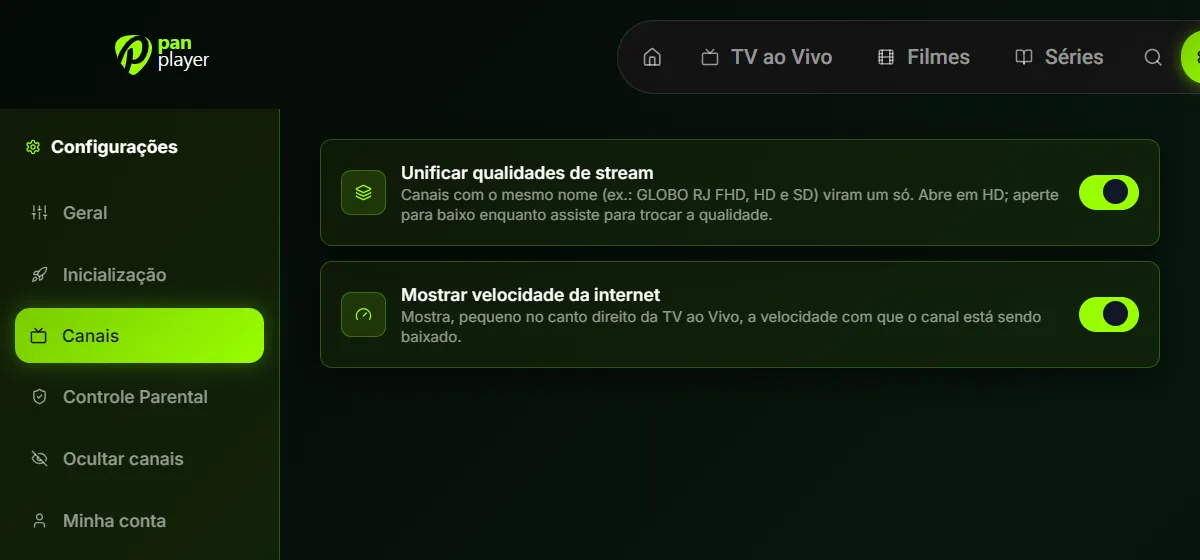
Merged stream qualities
Channels with the same name in FHD, HD and SD become one in the list. It opens in HD, and while watching you just press down to switch quality.
A shorter list that’s easier to browse
Optional internet speed indicator in the corner
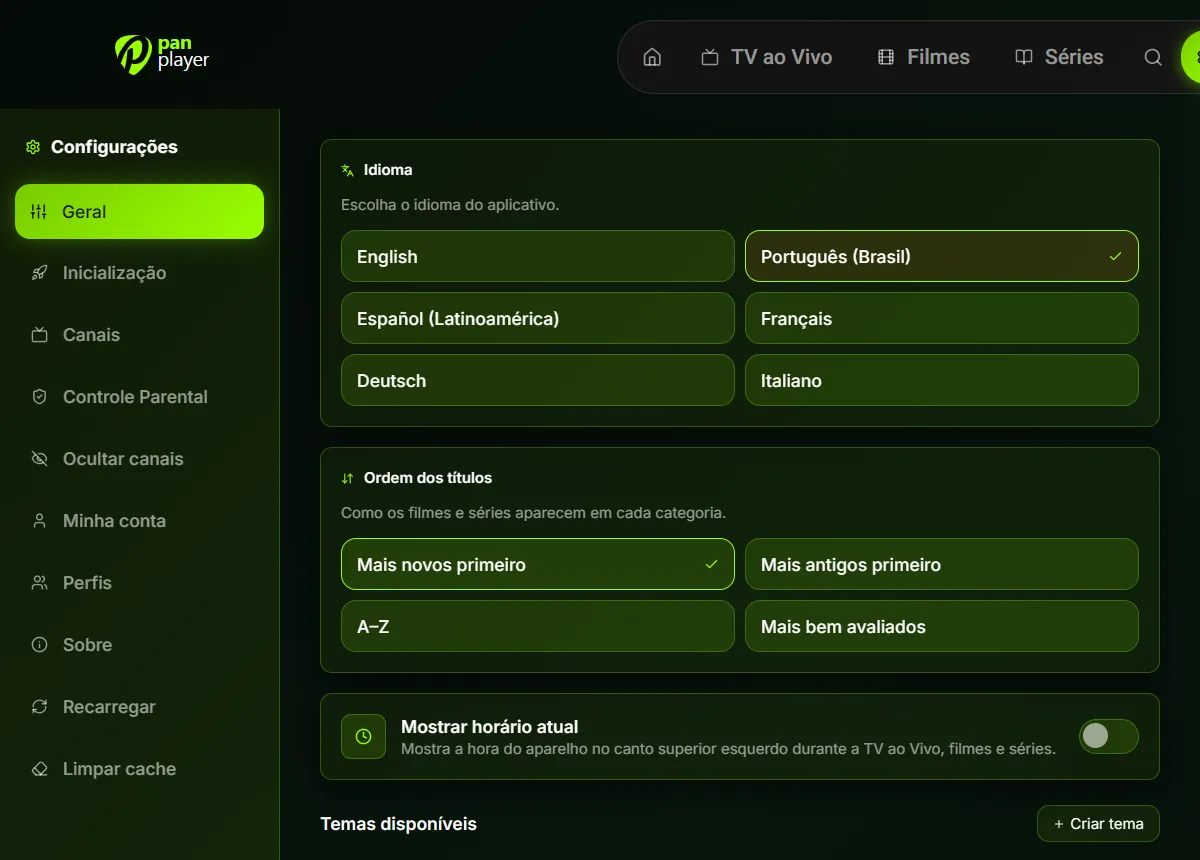
On-screen clock
Turn it on in General to see the device time in the top-left corner during live TV, movies and series.
Also in General: app language and list order (newest, oldest, A–Z or top rated)
Watching
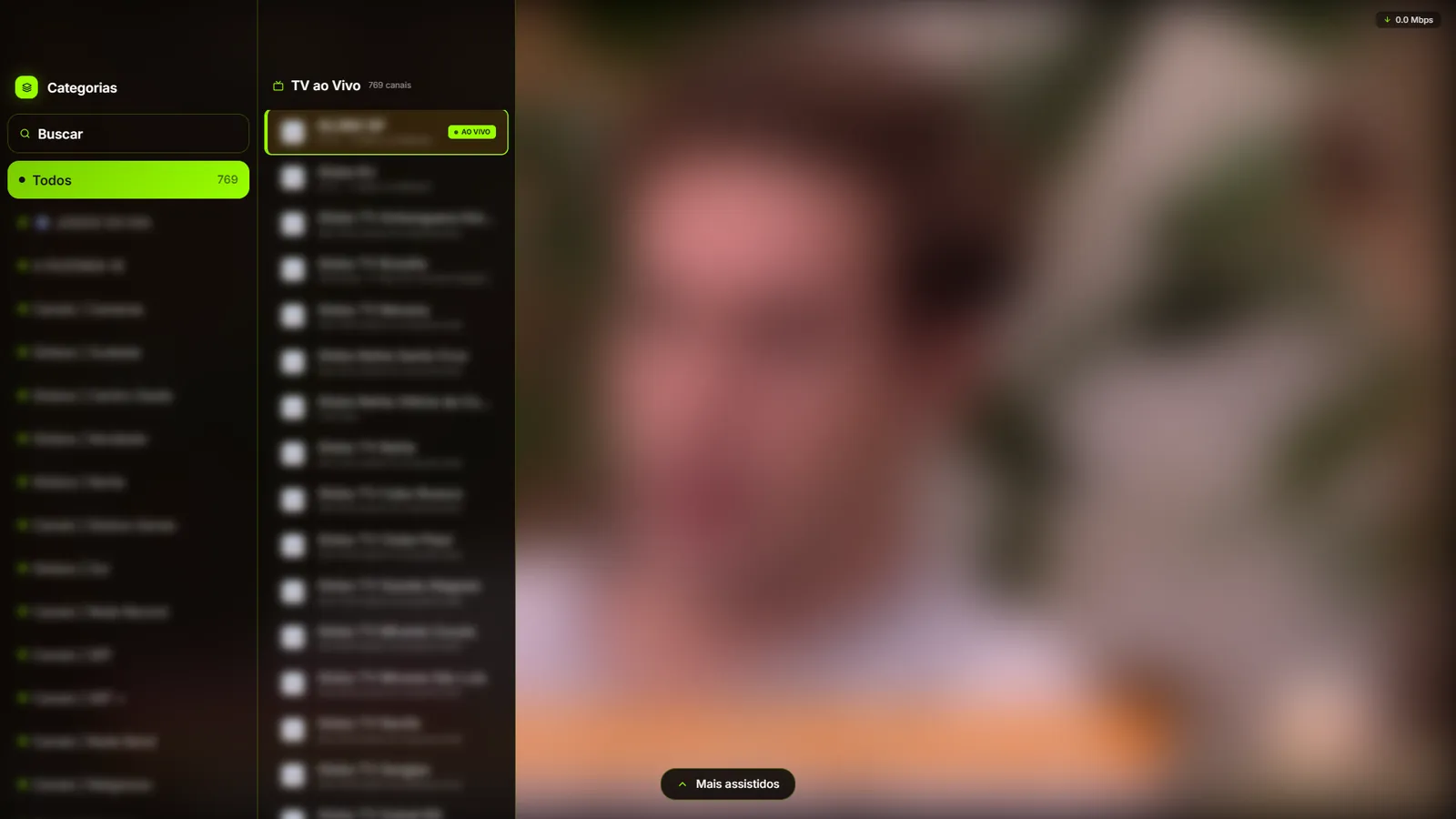
Live TV with guide
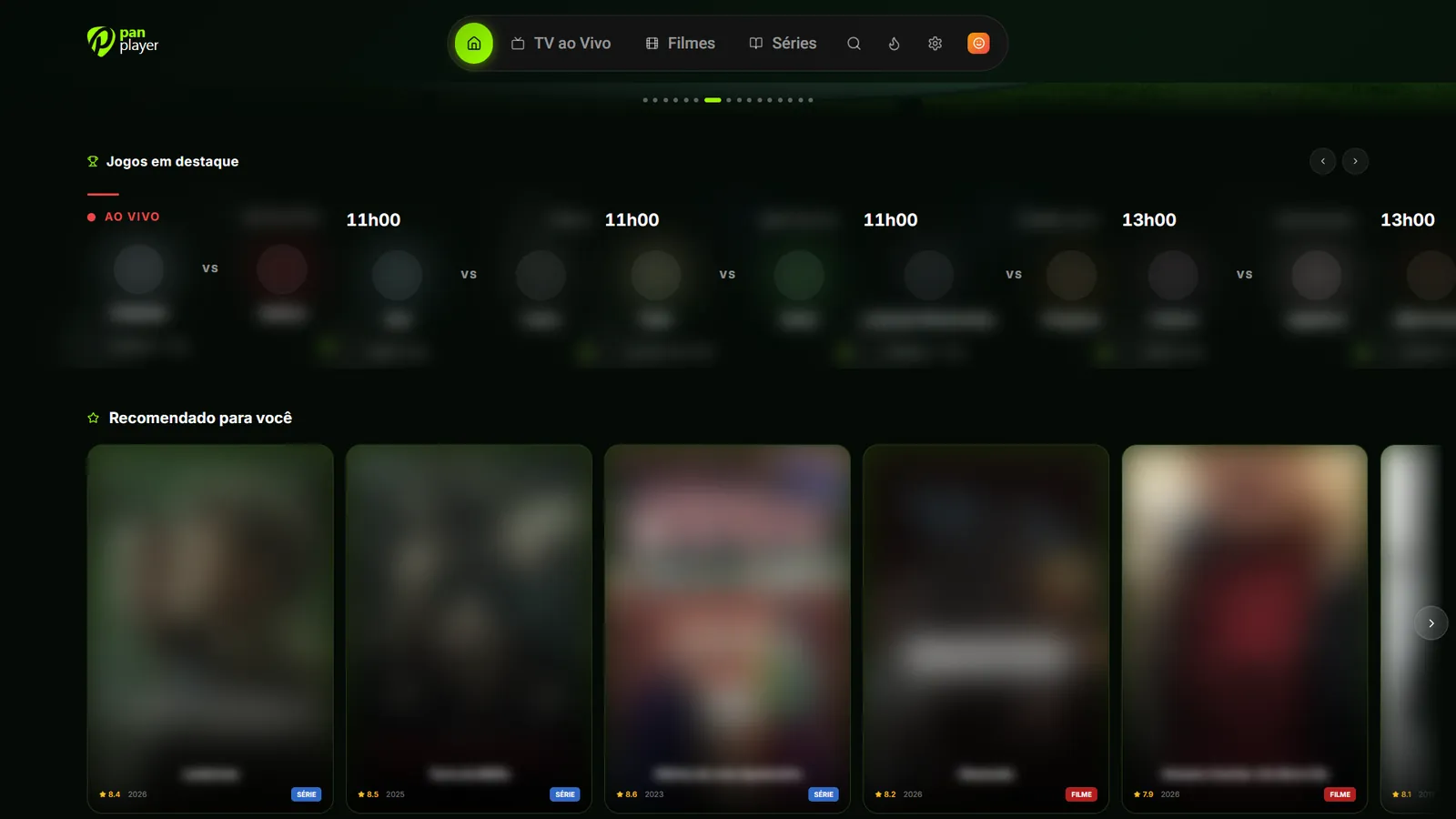
Categories on the left, channels in the middle and the video filling the screen. Each channel shows what’s on now, and there’s a shortcut to the most watched.
Change channels with the arrows, like a regular TV
The app remembers your last channel
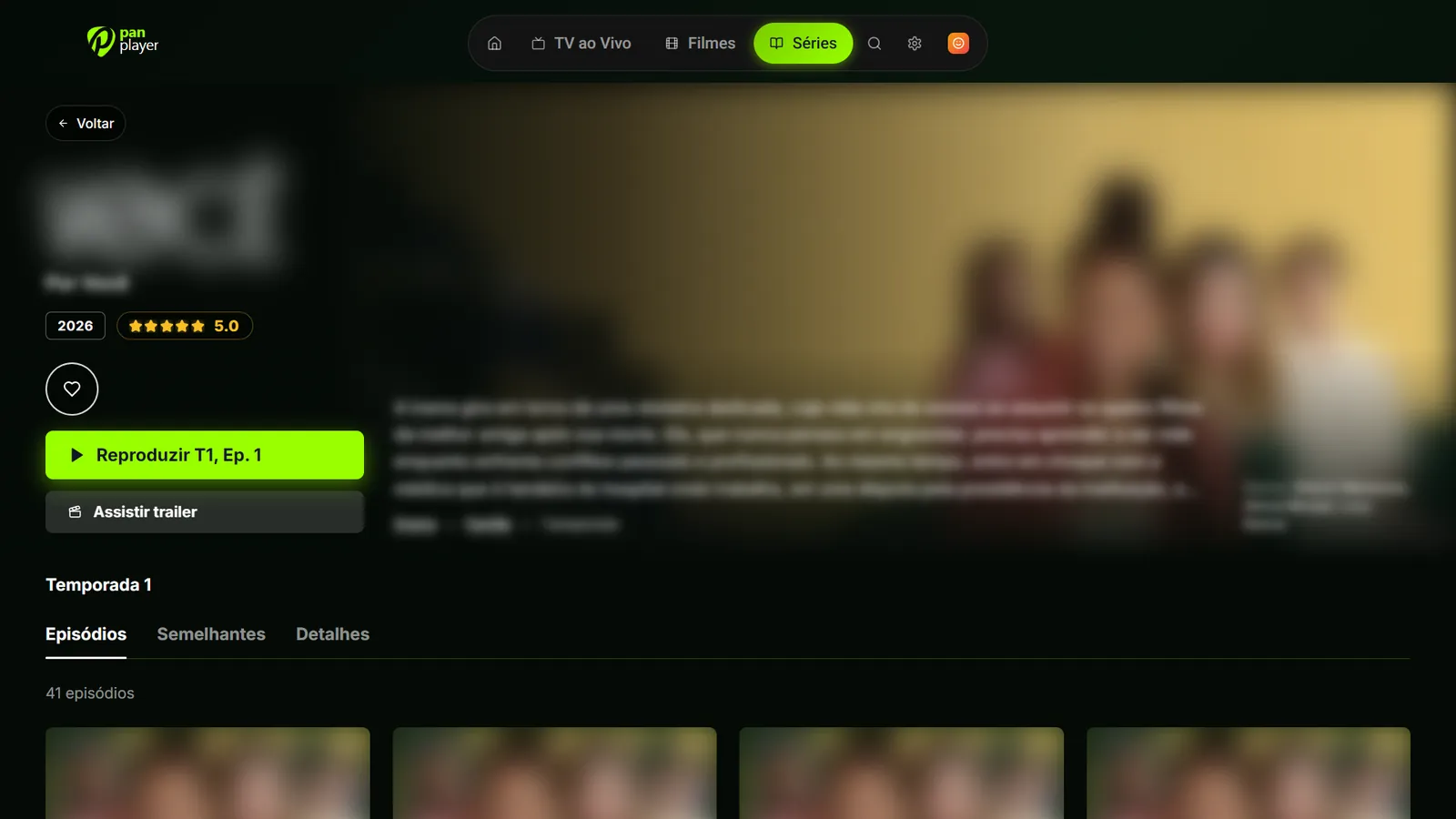
Complete movies and series
Cover, backdrop, synopsis, cast, rating and trailer for each title, plus seasons, episodes and similar titles. This information comes from public metadata services.
Resume where you stopped
Keep watching the next episodes with just one tap
Favorites per profile
Featured football
Today’s matches show on the home screen with the time, teams and the channel of your list that carries them. There’s also a football-only screen.
Set Football as the start screen on match days
Account, languages and the rest
Automatic listAdd your list once on the panel and sign in on the TV with just a username and password.
Up to 5 profilesEach with its own favorites, history and settings. Plus the Kids profile.
Synced continue watchingStart on the TV and finish on your phone, right where you stopped.
Search with on-screen keyboardFind channels, movies and series using only the remote.
6 languagesPortuguese, English, Spanish, French, German and Italian.
Custom themesSeveral color themes and a generator to create your own theme.
ChromecastOn your phone, send the video to your TV.
Made for the remoteArrows and OK on every TV screen.
Your list, properly organized. Try it for 7 days.
Create your account in a minute, add your list and sign in on the TV with your username and password. No card to get started.